CS100: Introduction to
Computer Science
Lecture 3: Data Storage -- Mass storage & representing information
In-class Exercise:
nWhat is a flip-flop?
n
What are the properties of flip-flops?
nDraw a simple flip-flop circuit?
Review:
bits, their storage and main memory
n
Bits
n
Boolean operations
nGates
n
Flip-flops (store a single bit)
nMain memory (RAM)
q Cell, Byte, Address
Mass Storage or Secondary Storage
nMagnetic disks
n
CDs
n
DVDs
n
Magnetic tapes
nFlash drives
Mass Storage or Secondary Storage
nOn-line versus off-line
q Online - connected and readily available to the
machine
q Offline - human intervention required
n
Typically larger than main memory
nTypically less volatile than main memory
nTypically slower than main memory
Mass Storage Systems
nMagnetic Systems
q Hard Disk q Floppy Disk q Tape nOptical Systems
q CD q DVD nFlash Drives
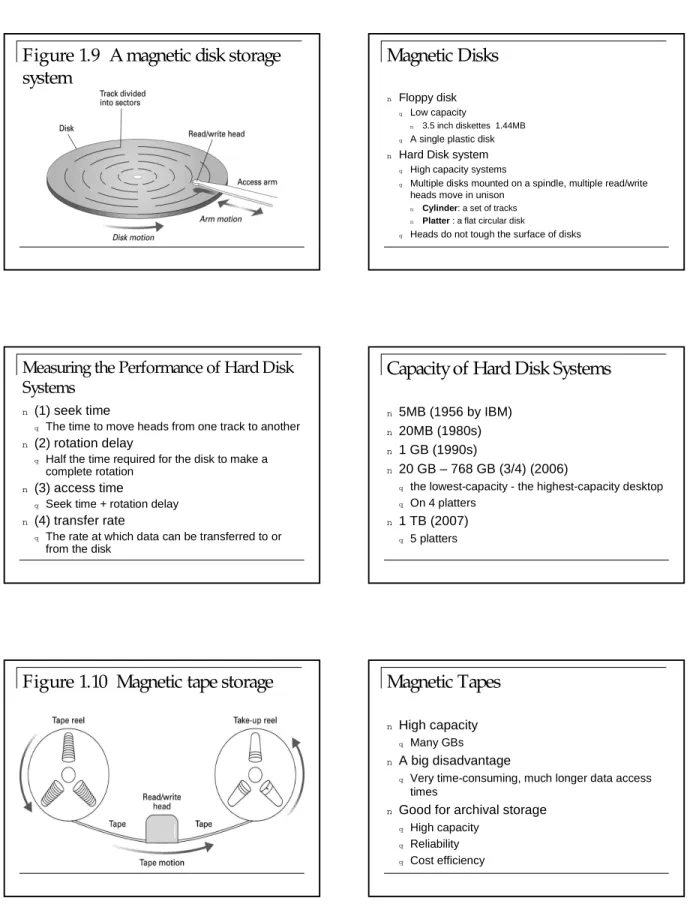
Figure 1.9 A magnetic disk storage
system
Magnetic Disks
n Floppy disk q Low capacity
n 3.5 inch diskettes 1.44MB q A single plastic disk n Hard Disk system
q High capacity systems
q Multiple disks mounted on a spindle, multiple read/write heads move in unison
n Cylinder: a set of tracks
n Platter : a flat circular disk
q Heads do not tough the surface of disks
Measuring the Performance of Hard Disk
Systems
n
(1) seek time
q The time to move heads from one track to another
n
(2) rotation delay
q Half the time required for the disk to make a
complete rotation n
(3) access time
q Seek time + rotation delay
n
(4) transfer rate
q The rate at which data can be transferred to or
from the disk
Capacity of Hard Disk Systems
n5MB (1956 by IBM)
n
20MB (1980s)
n1 GB (1990s)
n
20 GB – 768 GB (3/4) (2006)
q the lowest-capacity - the highest-capacity desktop q On 4 platters
n
1 TB (2007)
q 5 platters
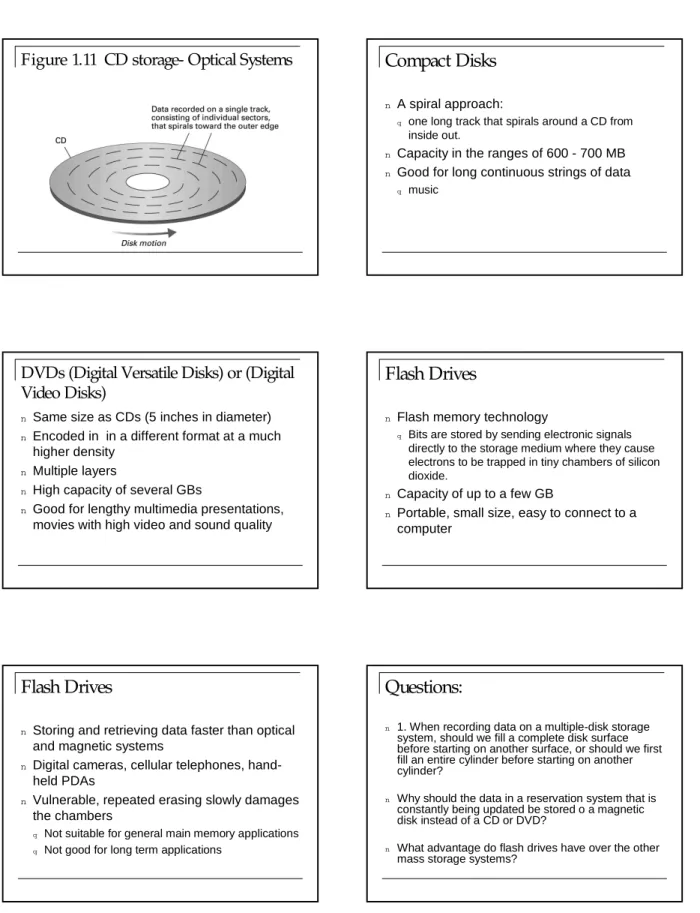
Figure 1.10 Magnetic tape storage
Magnetic Tapes
n
High capacity
q Many GBs
n
A big disadvantage
q Very time-consuming, much longer data access
times
n
Good for archival storage
q High capacity q Reliability q Cost efficiency
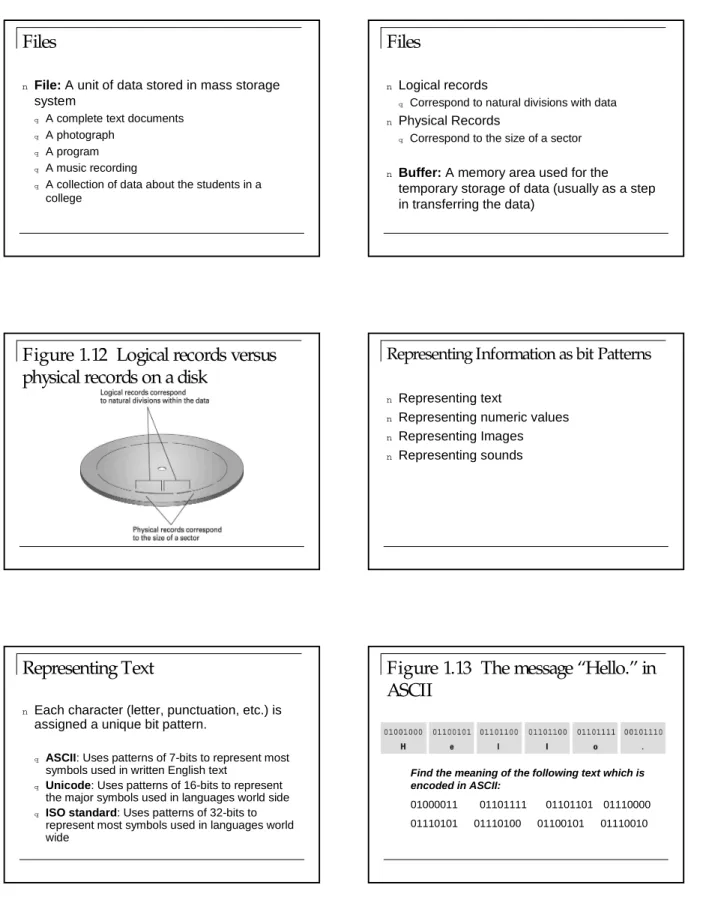
Figure 1.11 CD storage- Optical Systems
Compact Disks
nA spiral approach:
q one long track that spirals around a CD from
inside out.
n
Capacity in the ranges of 600 - 700 MB
nGood for long continuous strings of data
q music
DVDs (Digital Versatile Disks) or (Digital
Video Disks)
n
Same size as CDs (5 inches in diameter)
nEncoded in in a different format at a much
higher density
n
Multiple layers
n
High capacity of several GBs
n
Good for lengthy multimedia presentations,
movies with high video and sound quality
Flash Drives
n
Flash memory technology
q Bits are stored by sending electronic signals
directly to the storage medium where they cause electrons to be trapped in tiny chambers of silicon dioxide.
n
Capacity of up to a few GB
n
Portable, small size, easy to connect to a
computer
Flash Drives
n
Storing and retrieving data faster than optical
and magnetic systems
n
Digital cameras, cellular telephones,
hand-held PDAs
n
Vulnerable, repeated erasing slowly damages
the chambers
q Not suitable for general main memory applications q Not good for long term applications
Questions:
n 1. When recording data on a multiple-disk storage
system, should we fill a complete disk surface before starting on another surface, or should we first fill an entire cylinder before starting on another cylinder?
n Why should the data in a reservation system that is
constantly being updated be stored o a magnetic disk instead of a CD or DVD?
n What advantage do flash drives have over the other
Files
n
File: A unit of data stored in mass storage
system
q A complete text documents q A photograph
q A program q A music recording
q A collection of data about the students in a
college
Files
n
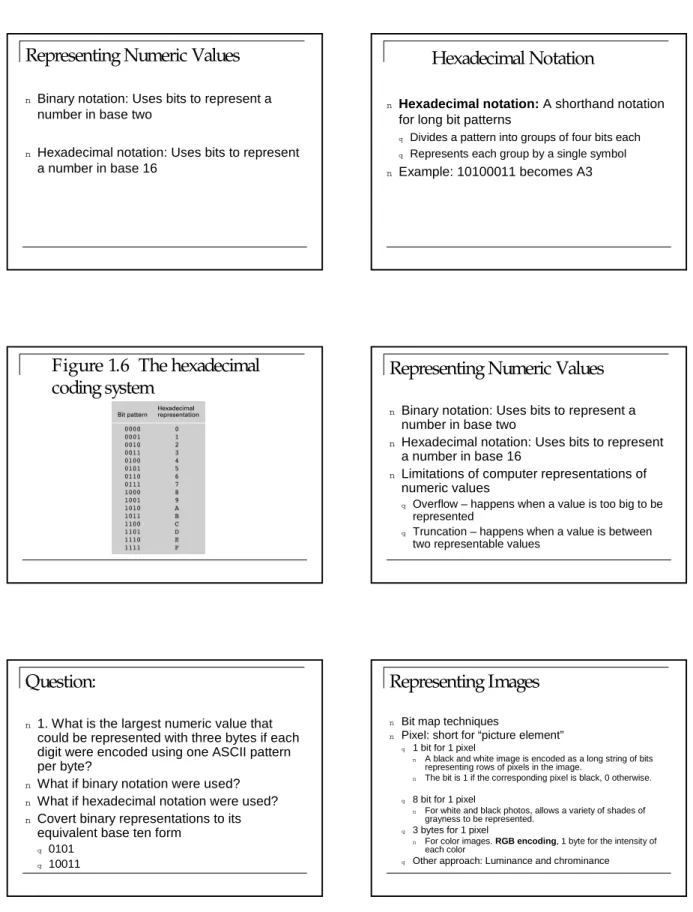
Logical records
q Correspond to natural divisions with data
n
Physical Records
q Correspond to the size of a sector
n
Buffer: A memory area used for the
temporary storage of data (usually as a step
in transferring the data)
Figure 1.12 Logical records versus
physical records on a disk
Representing Information as bit Patterns
nRepresenting text
n
Representing numeric values
nRepresenting Images
nRepresenting sounds
Representing Text
n
Each character (letter, punctuation, etc.) is
assigned a unique bit pattern.
q ASCII: Uses patterns of 7-bits to represent most
symbols used in written English text
q Unicode: Uses patterns of 16-bits to represent
the major symbols used in languages world side
q ISO standard: Uses patterns of 32-bits to
represent most symbols used in languages world wide
Figure 1.13 The message “Hello.” in
ASCII
Find the meaning of the following text which is encoded in ASCII:
01000011 01101111 01101101 01110000 01110101 01110100 01100101 01110010
Representing Numeric Values
nBinary notation: Uses bits to represent a
number in base two
n
Hexadecimal notation: Uses bits to represent
a number in base 16
Hexadecimal Notation
n
Hexadecimal notation: A shorthand notation
for long bit patterns
q Divides a pattern into groups of four bits each q Represents each group by a single symbol
n
Example: 10100011 becomes A3
Figure 1.6 The hexadecimal
coding system
Representing Numeric Values
n
Binary notation: Uses bits to represent a
number in base two
n
Hexadecimal notation: Uses bits to represent
a number in base 16
n
Limitations of computer representations of
numeric values
q Overflow – happens when a value is too big to be
represented
q Truncation – happens when a value is between
two representable values
Question:
n
1. What is the largest numeric value that
could be represented with three bytes if each
digit were encoded using one ASCII pattern
per byte?
n
What if binary notation were used?
nWhat if hexadecimal notation were used?
nCovert binary representations to its
equivalent base ten form
q 0101 q 10011
Representing Images
n Bit map techniques
n Pixel: short for “picture element” q 1 bit for 1 pixel
n A black and white image is encoded as a long string of bits representing rows of pixels in the image.
n The bit is 1 if the corresponding pixel is black, 0 otherwise.
q 8 bit for 1 pixel
n For white and black photos, allows a variety of shades of grayness to be represented.
q 3 bytes for 1 pixel
n For color images. RGB encoding, 1 byte for the intensity of each color
Representing Images
nBit map techniques
nVector techniques
q Scalable
q Word processing systems use vector techniques
to provide flexibility in character size.
q PostScript
q Also popular in Computer-aided design systems
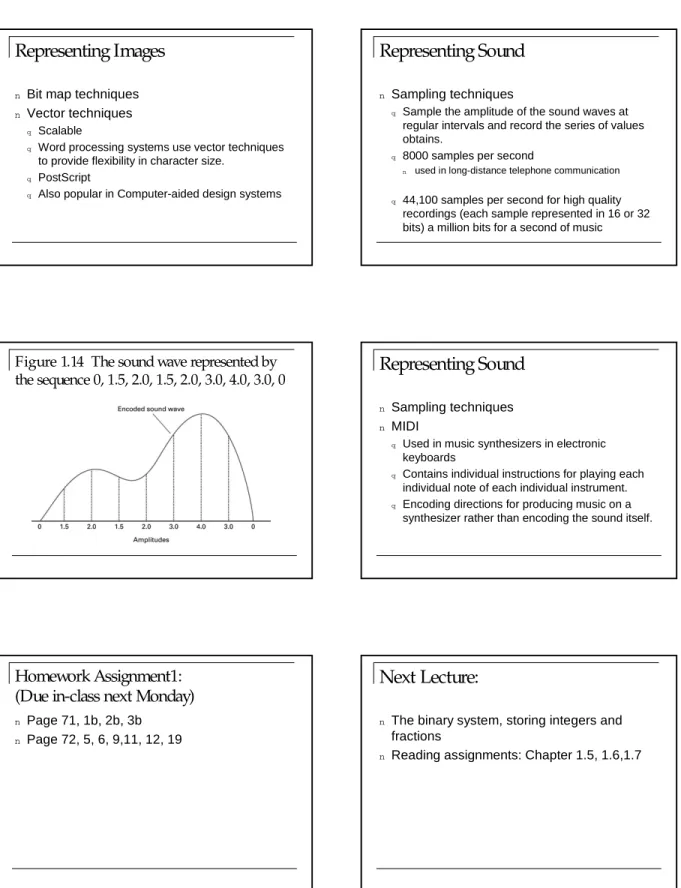
Representing Sound
nSampling techniques
q Sample the amplitude of the sound waves at
regular intervals and record the series of values obtains.
q 8000 samples per second
n used in long-distance telephone communication
q 44,100 samples per second for high quality
recordings (each sample represented in 16 or 32 bits) a million bits for a second of music
Figure 1.14 The sound wave represented by
the sequence 0, 1.5, 2.0, 1.5, 2.0, 3.0, 4.0, 3.0, 0
Representing Sound
n
Sampling techniques
nMIDI
q Used in music synthesizers in electronic
keyboards
q Contains individual instructions for playing each
individual note of each individual instrument.
q Encoding directions for producing music on a
synthesizer rather than encoding the sound itself.
Homework Assignment1:
(Due in-class next Monday)
nPage 71, 1b, 2b, 3b
n
Page 72, 5, 6, 9,11, 12, 19
Next Lecture:
n
The binary system, storing integers and
fractions