Managing a Responsive
Design Redesign Project
Rebekah Godshall Director of Project
Management, NewCity
Responsive Design
We’ll discuss the HOW and the WHO of responsive design: the complexities responsive design adds
a more agile approach to the process
forming and supporting a cross-functional team
For more on the WHAT, WHY and WHEN of responsive design, I have materials available.
What
web pages that respond to different devices
delivers quality experience to desktop computers, netbooks, tablets, and mobile phones
using new css techniques, fluid grids, flexible images, and media queries
Why
the proliferation of smart phones
high level of continuity between different devices same URLs for every device
When
difficult to retrofit an existing design, best to start from scratch
most appropriate when continuity between different devices is a priority for target audience
Responsive design does not constitute a mobile
strategy; separate mobile sites and mobile apps may also be needed to satisfy user needs.
Forming the Team
small, dedicated team
working in the same location
people who enjoy working in a team environment some training in a discipline other than their own
Supporting the Team
Invest in training.
It’s easy to make a bad responsive website.
Forge a team with the right skills and empower them to work closely together in an iterative manner.
Eva Baird, User
Experience Architect
focuses on optimizing the experience of the user
trained in
•interface design
•information architecture
cross-trained in graphic design
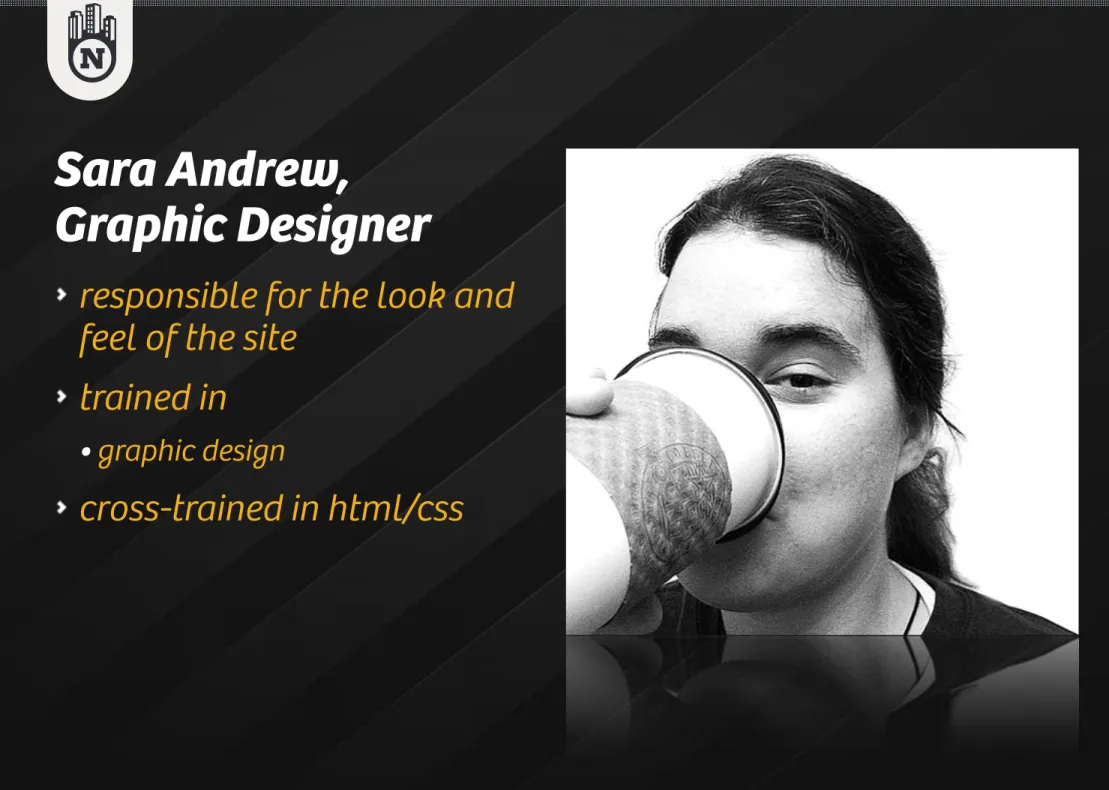
Sara Andrew,
Graphic Designer
responsible for the look and feel of the site
trained in
•graphic design
Jason Gillespie, Web
Developer
transforms design files into templates browsers can interpret
trained in
•html/css
•javascript
•media queries and new css techniques necessary for responsive design
Project Phases
Research and Strategy User Experience Planning Design
Research Methods & Techniques
Focus Groups KJ Sessions Stakeholder Interviews Audience Interviews Site AuditsMobile
Strategy
The Myth of Mobile Context
Mobile users are always distracted, in a rush
Mobile users really only need location information.
That’s not a feature we should include because she’s on mobile.
Where are people using mobile devices?
84% at home
80% during miscellaneous downtime throughout the day 76% waiting in lines for appointments
69% while shopping 64% at work
62% while watching TV (alt. study claims 84%) 47% during commute in to work
READ MORE //
Implications
The device does not necessarily imply a context (stationary or mobile).
There is a misconception that mobile users want different things from your product than desktop users do.
Responsive design offers a high level of continuity between different devices.
With responsive design you only need to develop, manage and maintain one site and one content silo.
Most Valuable Content For Mobile
1. Academic program listing 2. Cost/scholarship calculators
3. A calendar of important dates and deadlines 4. Specific details about academic programs 5. An application process summary
6. Online application forms
READ MORE //
Noel-Levitz. (Feb 2012). "The Mobile Browsing Behaviors and Expectations of College-Bound High School Students."
Desktops: First Link They Look For
1. Academic programs
2. Enrollment and admissions information 3. Cost
4. Scholarships
5. Other information
6. Student life information 7. Financial Aid
8. Campus visit details
READ MORE //
52% of students have looked at a campus
Web site on a mobile device. (Up from 26% in
2011.)
– Noel-‐Levitz. (Feb 2012). "The Mobile Browsing Behaviors and ExpectaHons of College-‐Bound High School Students."
Our Working Agreement
We will create only as many artifacts as are necessary to communicate the idea.
We will design on a grid.
We will keep all of the designs as close to the desktop design as possible to
•maintain the high level of continuity that responsive design offers
User Experience Planning
Start with what is familiar.Put your website on a diet. Know when enough is enough.Embracing Constraints
Small screen sizes forces you to prioritize.
Slow connections and limited data plans require you to be vigilant about performance.
Know When Enough is Enough
Communicate just enough to the client, designers, and developers.
Trust the rest of the team.
For us, “enough” was wireframes for the desktop versions of each template.
Design and Development
Start with what is familiar.Have regular design reviews. Get to the real thing quickly.Design Reviews
Discuss and test the developers’ design recommendations.
Review, design, build and repeat.
This closes the gap between traditional “design” and “development” cycles.
Get to the real thing quickly
Developers act as ux designers, too, designing in the browser.
Close the communication gap across the project team. Communicate to stakeholders how the responsive design will work.
START WITH THE WRAPPER
DESIGNING IN THE BROWSERDEFINE HOW LAYOUTS WILL
CHANGE
ADDRESS INDIVIDUAL
CONTENT BLOCKS
Designing in the Browser
1. Start with the wrapper.
2. Define how the layouts will change. 3. Address individual content blocks.
Timeline and Budget Impact
redesign takes 20-30% longer than a desktop-only site reduces ongoing maintenance costs
comparable to implementing a modest stand-alone mobile site
major milestones are unchanged, but a few new
waypoints are added (e.g. development of the wrapper is complete)
Implications for the Project Manager
Change makes people uncomfortable.
UX and Design may feel they are losing control. Developers may feel overwhelmed by increased responsibilities.
Requires a high degree of trust.
As a manager, my role was to encourage, support, and promote conversation.
A Couple More Lessons Learned
Team members report being pleased with how much they learned about their teammates’ disciplines. This cross-training was a natural outcome of the process.
Because the design at each breakpoint was so similar to the desktop design, the customer did not feel a loss of